MeowMouse
Switch Mac Spaces with Your Mouse
MeowMouse is a macOS app that puts Space switching, app switching, and window controls on your mouse.
Try it free for 7 days. Buy a license to keep using it.
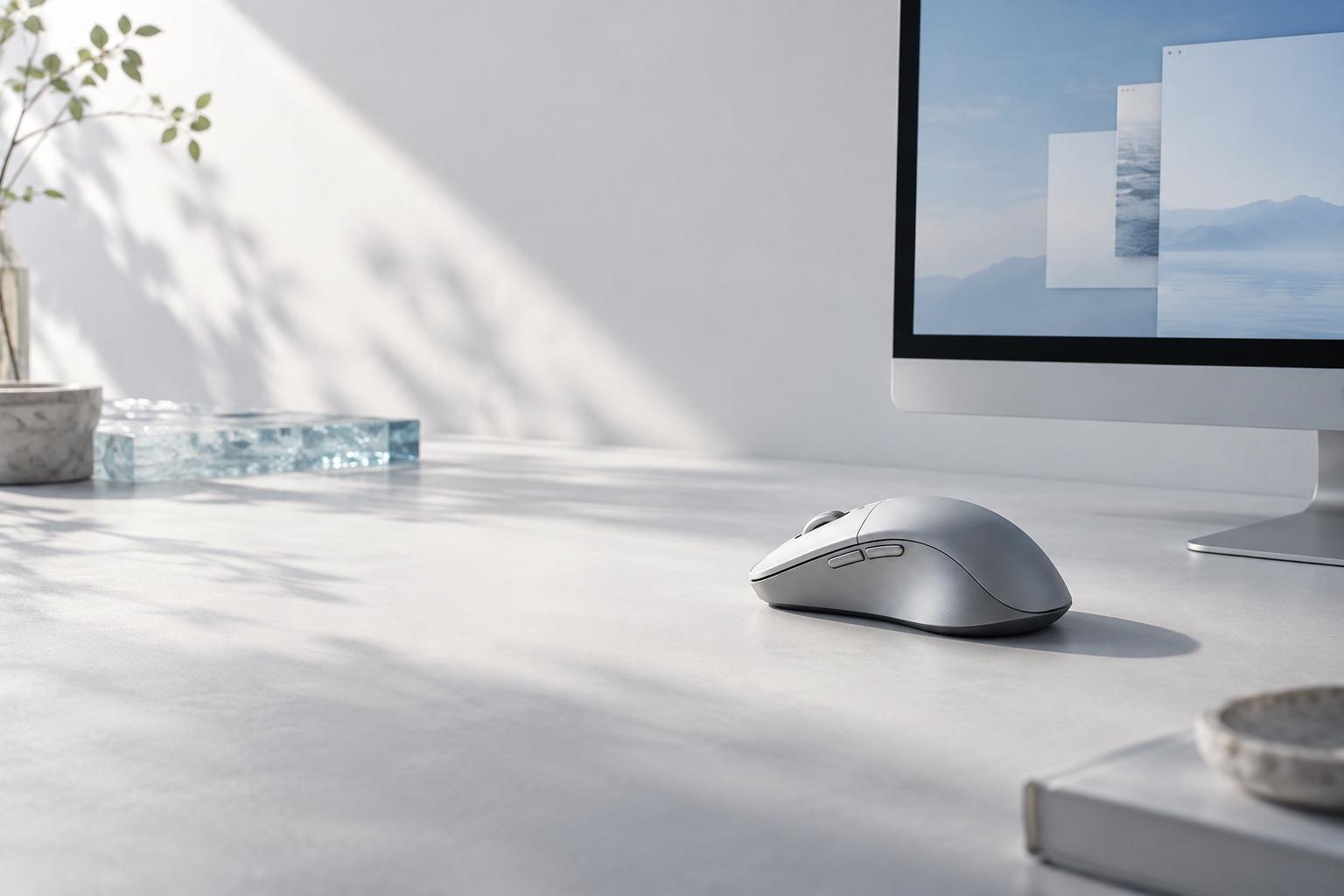

A more natural way around your Mac
Keep your mouse hand on the mouse. Keep your other hand where it is.
You don’t need to move your hand off the mouse or reposition your other hand on the keyboard just to switch Spaces, switch apps, open App Exposé, and more. MeowMouse keeps those movements on the mouse, so navigation feels more natural and fluid.
How it works
One hold. One click or scroll.
MeowMouse is a macOS app built around mouse-button combinations. Hold a side button, then click the left or right button or scroll to trigger a macOS action you choose, such as switching Spaces or foreground apps. Press and release the side button without another click or scroll, and its normal default action still runs—MeowMouse does not block the button.
Shortcuts for the actions you repeat.
Switch Spaces, move between apps, open App Exposé, and run other built-in macOS actions from mouse combinations.
Hold, then click or scroll
Hold a side button and combine it with the left or right button or the scroll wheel to run an assigned shortcut.
Fewer trips to the keyboard
Use a mouse action for a command that would otherwise have you reaching for a keyboard shortcut.
Choose the macOS action
Assign each button-and-scroll combination to Space switching, foreground app switching, App Exposé, Mission Control, or another built-in macOS action.
Stay with your workflow
Move between apps and desktops with the hand already on your mouse. Especially useful when you switch often.