Hide notes per app
Keep notes out of apps where you do not need them, with auto-hide when switching.
Distraction-free macOS notes
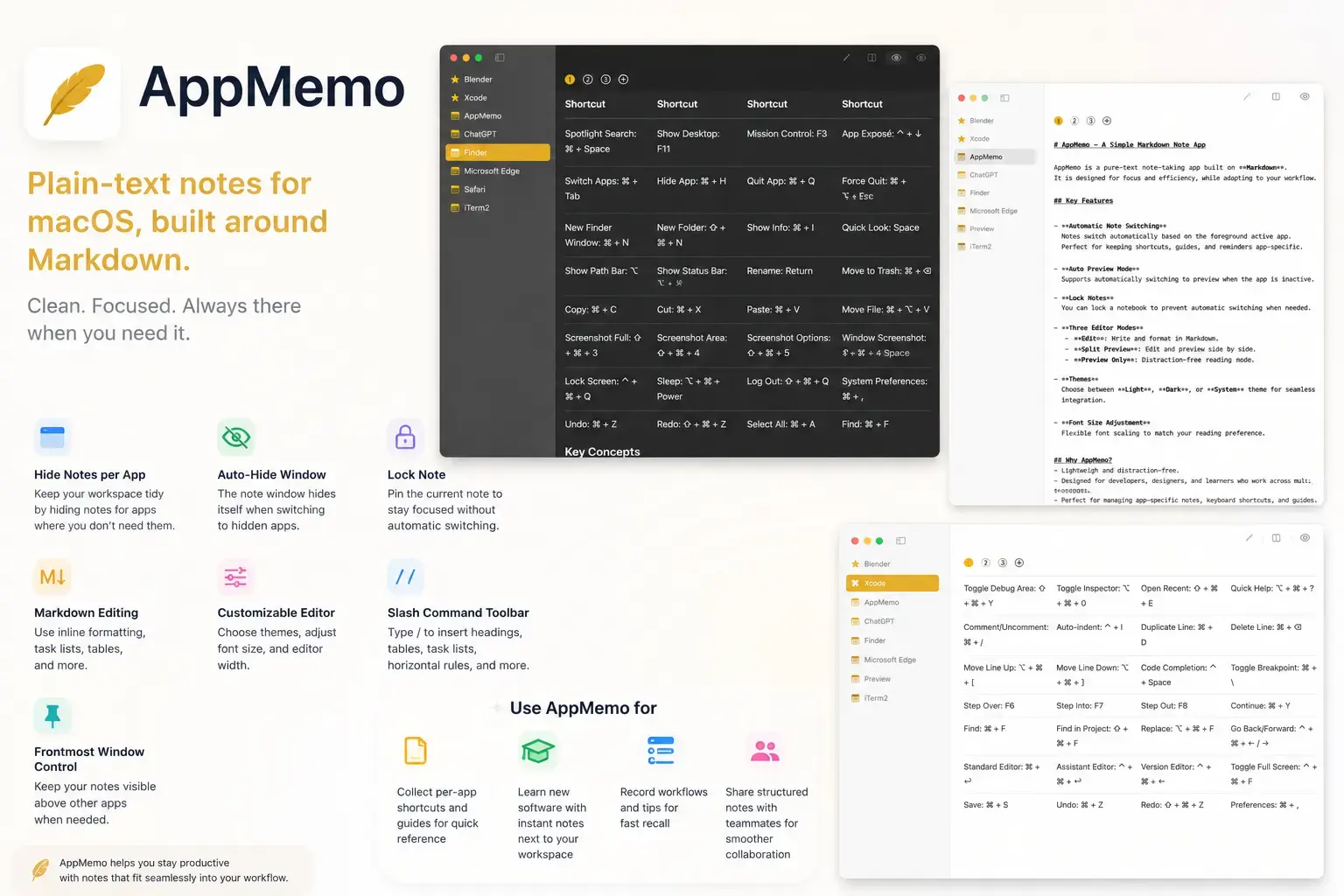
Keep notes out of apps where you do not need them, with auto-hide when switching.
Pin one note in place when you want to stay focused without automatic switching.
Use inline formatting, task lists, tables, and other plain-text structures.
Type / on a new line to insert headings, tables, task lists, horizontal rules, and more.
Choose light, dark, or system themes, then tune font size and editor width.
Keep your notes visible above other apps when you need quick reference.